Three systems with three staff lists cause many discrepancies. Sol26 Access, Sol26 Canteen and Sol26 Parking share one list on the same platform.
Many factories run access control, the canteen and parking on three separate systems, each with its own staff list. When someone joins or leaves, HR has to update three places, and missing one means a leaver can still pass the gate or collect a meal.
Sol26 Access, Sol26 Canteen and Sol26 Parking run on the same platform and share one staff list. This post describes how the list is synchronised, how it is used at each point and how permissions are set for each department.
The problem with three separate lists
- New staff wait for access to be granted in each system
- Leavers keep gate access or meal entitlement
- Face photos are enrolled several times on different devices
- Access, meal and parking data sit in three different places
Synchronising from the HR data source
The platform provides an integration API that automatically synchronises current staff, new hires and recent leavers, together with their photos. The data source is the HR software the business already uses.
Integration requires the HR software or hardware supplier to provide API or SDK documentation. This condition should be clarified during the survey stage.
One profile, three points of use
At the gate
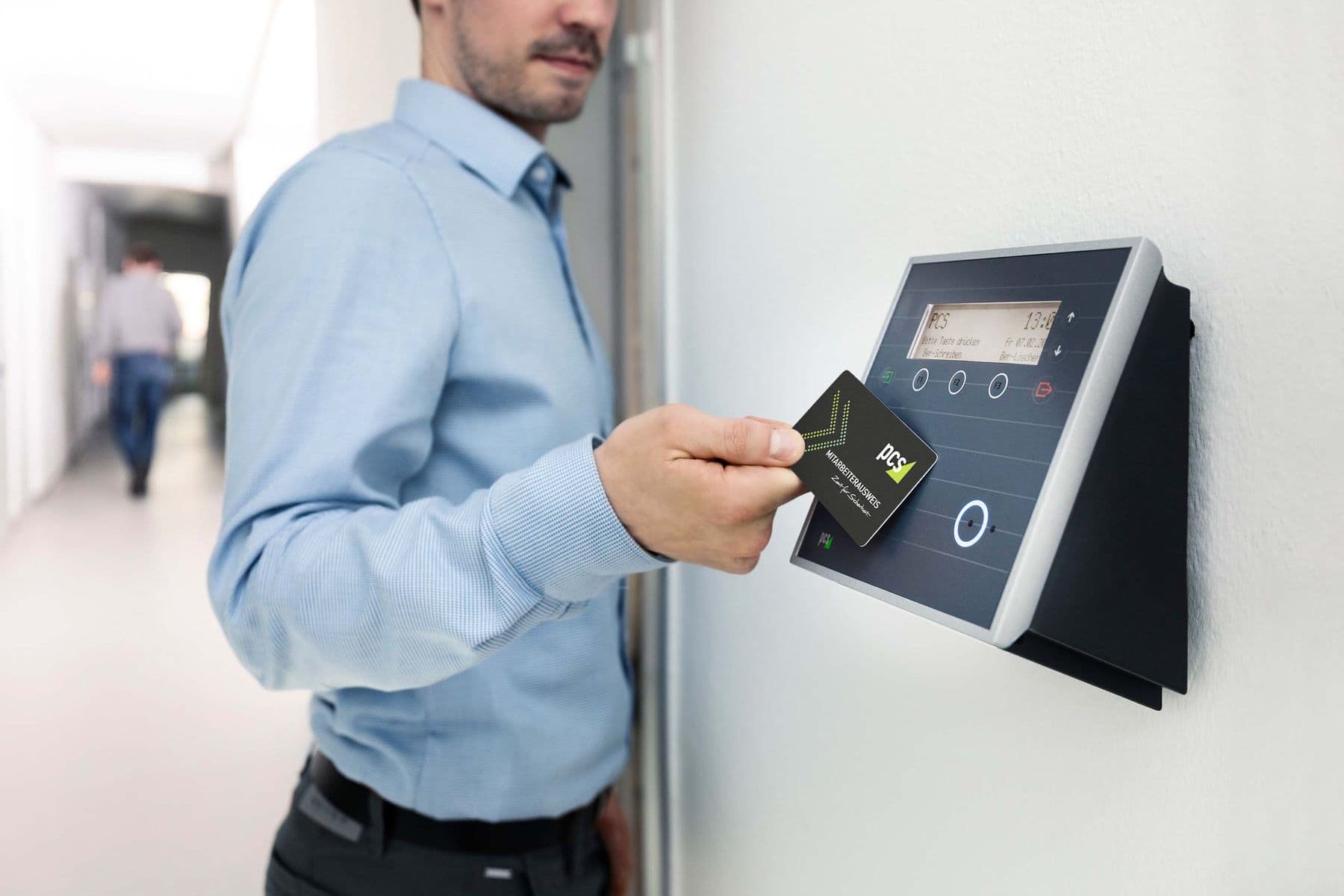
Face ID terminals at pedestrian lanes recognise staff and strangers and grant and manage entry and exit times. The guard house screen shows the owner of the card or face together with the vehicle number.
In the canteen
Staff verify with their face or a QR code at the counter. The system checks for duplicates so each person collects only one meal, and raises an error if the person is not registered or picks the wrong meal.
In the car park
On exit the software shows the entry image and plate and reconciles automatically when one person has several vehicles. In residential areas, resident data covering plate, name, card and unit is synchronised with building management.
When someone leaves, the profile is updated once at the source and the change applies to the gate, the canteen and the car park.
Deployment architecture
The service software runs on the business's own server, either physical or virtual, or is deployed in the cloud. Gate and counter devices connect to the server through an MQTT broker and web server on ports 1883/TCP and 443/TCP.
The security design includes firewalls between layers, a load balancer and a role-based access layer. Real-time backup synchronises data from the server to client machines, so counter devices can still use the data during a network outage.
Permissions by department
A shared list does not mean every department sees all data. Each group of accounts can only access its own part of the work.
- Administrators: manage the staff list, device configuration and accounts
- Guards: monitor the gate and car park, handle exceptions manually
- Kitchen: follow meal collections and remaining portions by group
- Users: register for meals by day or week in the web application
Deployment order
The three modules do not have to go live at the same time. A business can start with the gate and parking, then add the canteen on the same staff list.
- 1Confirm the HR data source and API integration method
- 2Run the first synchronisation of staff and photos
- 3Configure accounts for administrators, guards and kitchen
- 4Install devices at the gate and car park
- 5Add counter devices when deploying Sol26 Canteen
- 6Trial, train and hand over
Frequently asked questions
- Do all three systems have to be deployed?
- No. Sol26 Access can be deployed on its own and later integrated with parking and the canteen while keeping one staff list.
- How are leavers updated?
- The API automatically synchronises current staff, new hires and recent leavers from the HR data source. Changes are made on the shared platform instead of editing each system by hand.
- Where is the data stored?
- On the business's physical or virtual server, or in the cloud, depending on the deployment model.
- Does the canteen counter stop working during a network outage?
- With real-time backup the data is already synchronised to the client machine, so counter devices can still use it when the connection drops.