SOL26
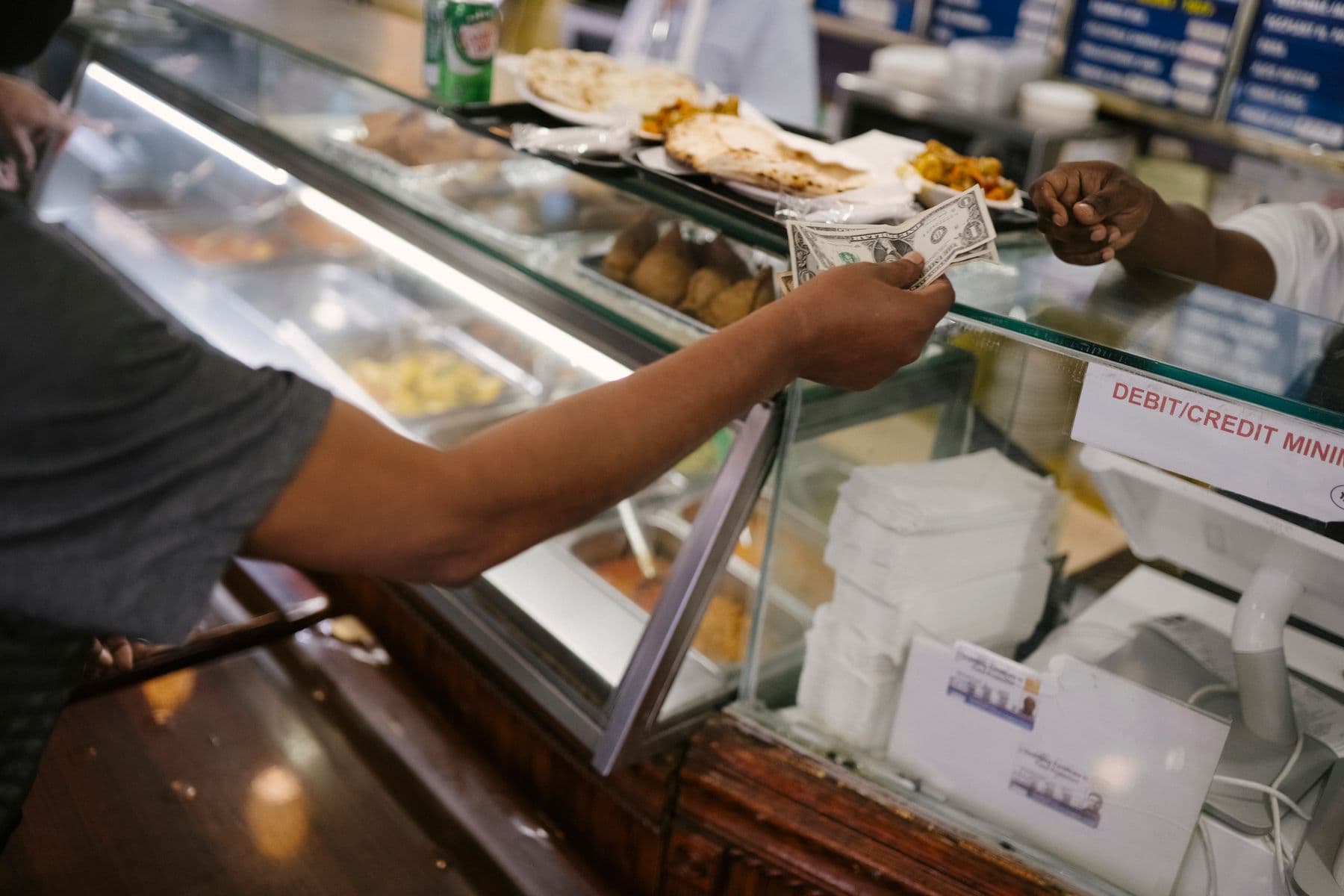
Serving counter at a canteen

Sol26 Canteen

Factory canteen and meal management software

Sol26 Canteen handles meal ordering and dispensing for factories with many shifts and lines. Staff order ahead in a web app, then look at a face recognition device or scan a QR code at the counter to collect. The kitchen knows quantities in advance and management gets ordered-versus-served reports per shift.

Key features

  • 01Web app on desktop, phone and tablet, nothing to install
  • 02Three roles: user, administrator and kitchen
  • 03Daily menus, scheduled ahead, with reserve quantities
  • 04Collection by Face ID or QR, recognised even with a mask on
  • 05Duplicate lock: a second scan or wrong shift or dish is refused
  • 06Runs on the factory's own server or on the cloud
Serving counter at a canteen

Main functions

  • Order ahead by schedule, choosing dish, line and time
  • Orders for visitors or overtime meals when authorised by an administrator
  • Reserve quantities checked before an order is accepted
  • QR code issued automatically after a successful order
  • Data synced and stored at the counter to keep working during network outages
  • Staff import by plant, department, section and employee ID
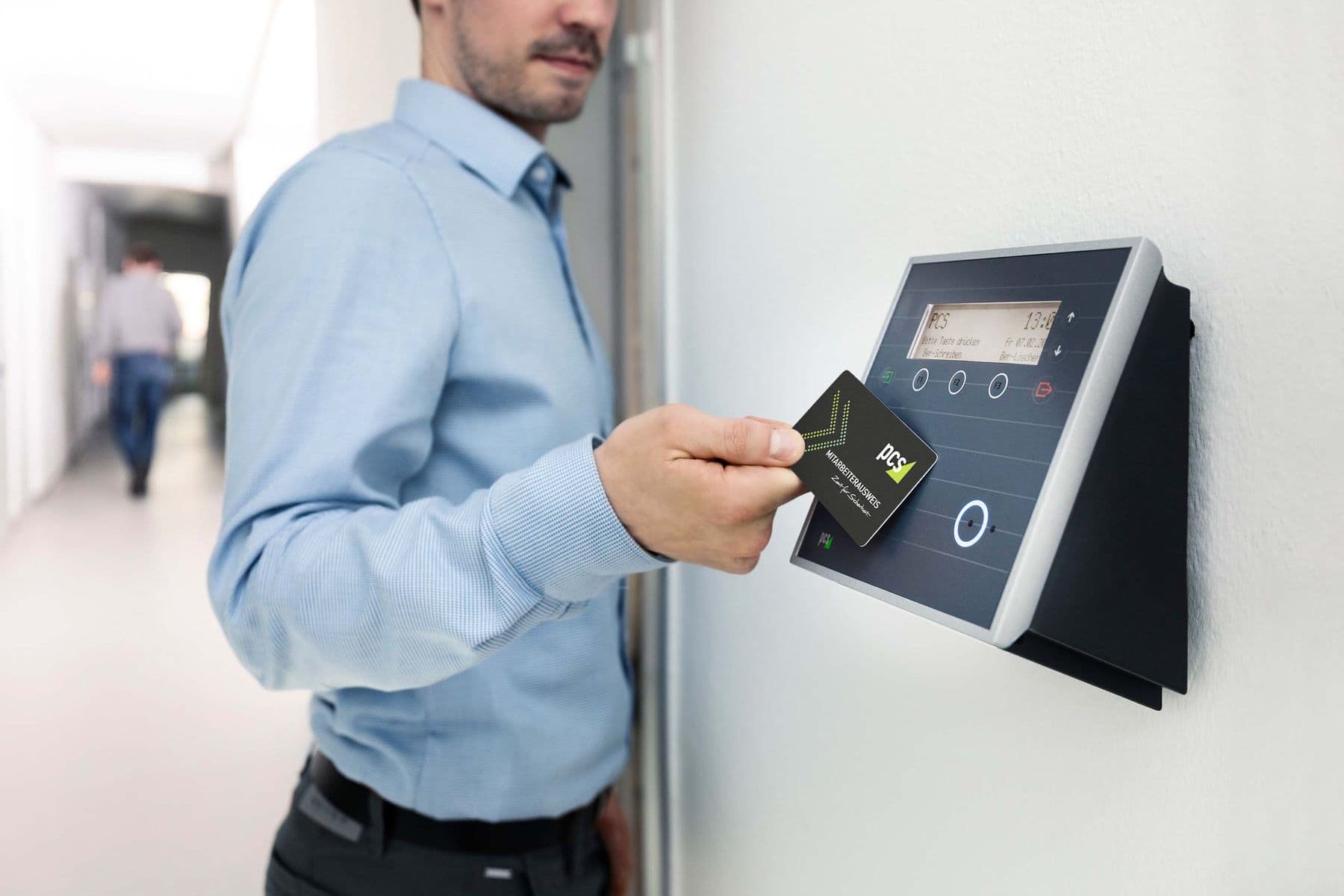
Collection flow at the counter

  • Authenticate: go to the booked line, look at the Face ID device or scan the QR
  • Display: the counter screen shows the employee and the dish ordered
  • Duplicate lock: the meal is marked as served and a second scan is refused

Reports

  • Meals ordered, served and not collected by shift and by day
  • Ordered versus served comparison on the dashboard
  • View reports on the web or download them

Architecture and security

  • Recognition devices on each line synced with the user list from the server
  • Customer server, physical or virtual, or a cloud deployment
  • Layered firewalls and role-based access
  • UPS backup for counter devices

Equipment

  • Face and QR terminal at the counter: sub-second matching, up to 30,000 users
  • Mini PC and display at each counter
  • On-site server to the recommended specification

Who it is for

Multi-shift factories

Serve thousands of workers fast across shifts.

Industrial parks and buildings

Shared canteens that need clear reconciliation.

Catering providers

Know daily quantities ahead to cut waste.

Deployment process

  1. 01

    Preparation

    Agree requirements and the matching solution.

  2. 02

    Solution and equipment

    Submit the solution and the equipment and software list.

  3. 03

    Deployment

    Pilot on one counter, then install infrastructure, devices, software and integrate with factory systems.

  4. 04

    Test and handover

    Full system trial, fixes, handover and post-acceptance support.

Related articles

Call now0777.888.908Request a consultation