Factories11/08/2026
Choosing recognition terminals and counter hardware for canteens
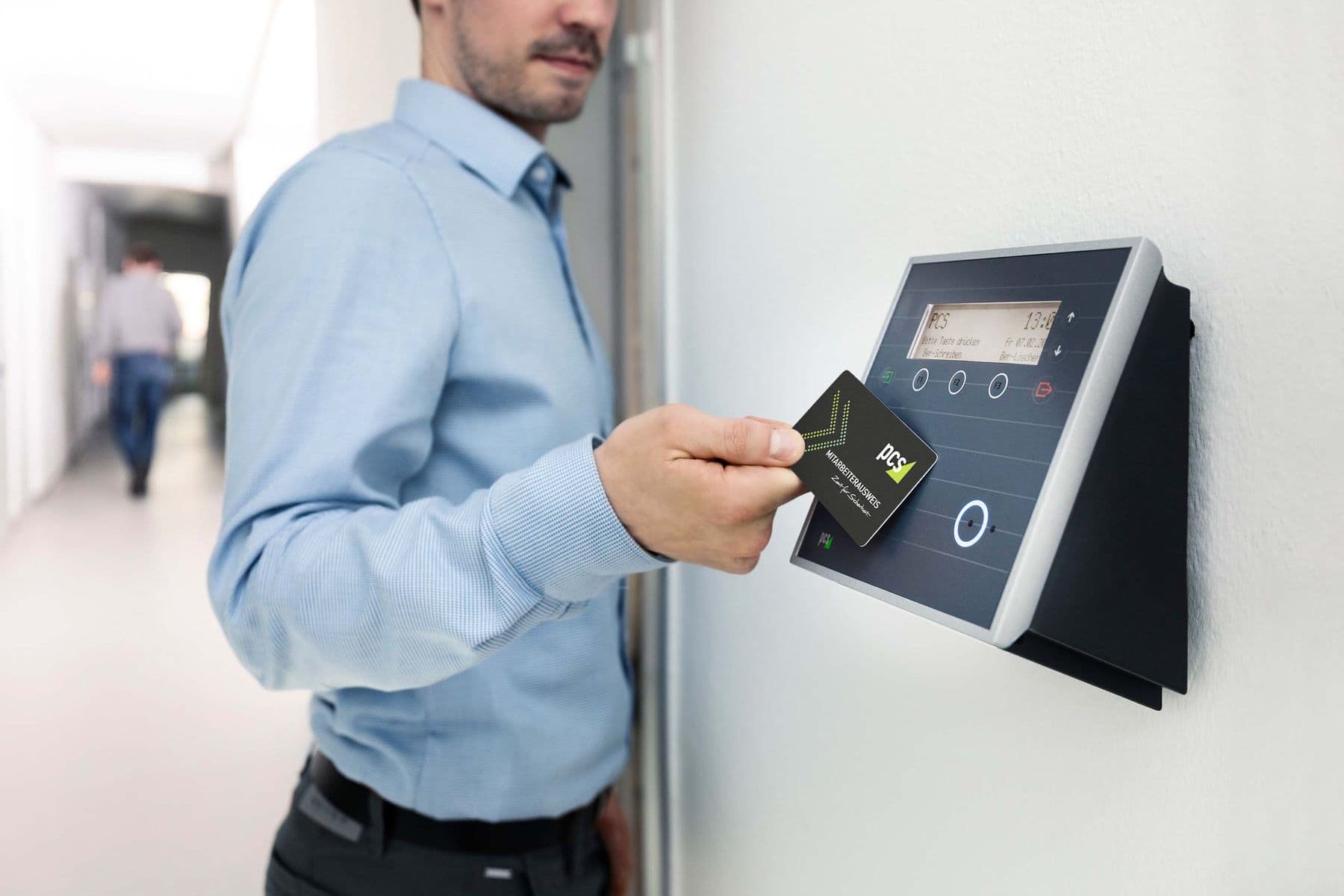
A collection counter needs fast, accurate recognition. This post lists the terminal specifications and the hardware that goes with each counter.
Read moreFactories
Published 09/09/2026
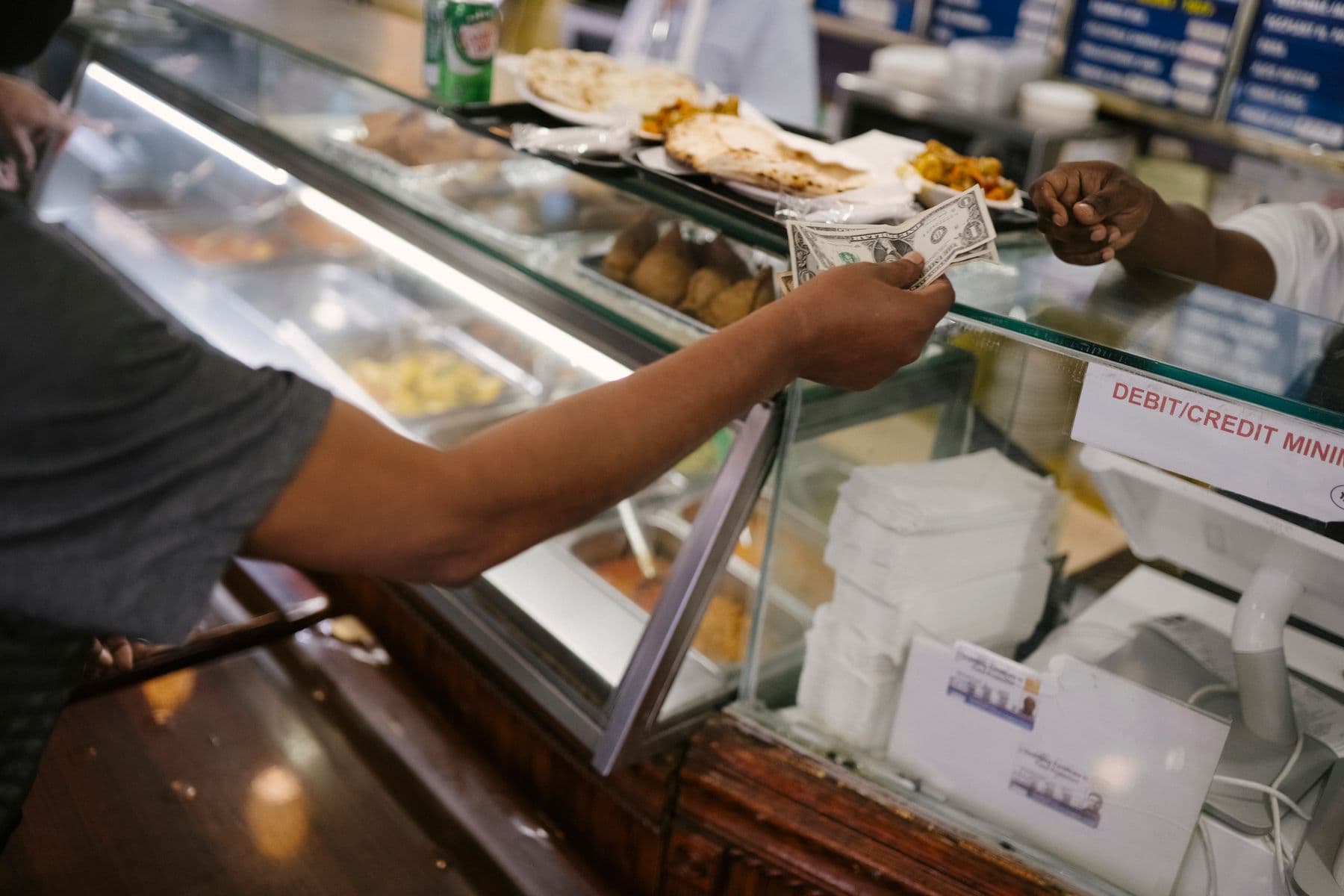
The kitchen does not know quantities in advance, workers queue, meals are collected twice, and month-end reconciliation fails. This is the problem a smart canteen system solves.
The canteen of a multi-shift factory tends to face the same set of problems: the kitchen does not know how many meals to prepare, workers queue at peak time, some collect on the wrong shift or collect twice, and at month end administration cannot reconcile meals served against meals ordered.
This post describes how pre-ordering combined with face recognition or QR codes deals with each of these problems, from the moment an employee chooses a dish to the reconciliation report.
With pre-ordering, staff open a web app on a phone or computer and choose the dish, the line and the shift. Administrators publish daily menus, schedule a week ahead and set reserve quantities per dish. The system checks reserves before accepting an order, so the kitchen always knows exactly how many meals each shift needs.
The web app runs in Chrome, Microsoft Edge and Firefox on Windows and MacOS computers and on Android and iOS phones and tablets, with nothing to install. Staff can add a shortcut to the phone home screen and open it like an app. In one live configuration, staff order for the following week under Next week and can change their choices until 23:59 every Friday.
Not every meal is ordered the week before. Users authorised by an administrator can order for visitors or book overtime meals. The system checks the reserve: if meals remain the order is accepted, if not it is refused, so extra orders do not leave the kitchen short.
After a successful order the system issues a QR code. At the counter, staff look at the face recognition terminal or scan the code. Matching takes under a second and works with a mask on. The counter screen shows the employee and the ordered dish so the server hands out the right meal.
As soon as a meal is collected it is marked as served. A second scan, the wrong shift or the wrong line triggers an error and the meal is refused. This is the difference from paper vouchers or manual roll calls.
Each person collects one meal per shift. The system also raises an error when an employee has not registered or tries to collect the wrong dish, so the server can deal with it at the counter instead of checking a paper list.
Administrators get meals ordered, served and not collected by shift and by day, with a chart comparing orders against actual collection. Reports are viewed on the web or downloaded to reconcile with the catering provider.
Sol26 Canteen
Factory meal ordering and dispensing
Factories11/08/2026
A collection counter needs fast, accurate recognition. This post lists the terminal specifications and the hardware that goes with each counter.
Read more
Factories07/07/2026
A smart canteen project runs through four phases and about two months from contract to handover. This post describes each step and what the factory needs to prepare.
Read moreFactories02/06/2026
Mealtime cannot stop because of a network fault. This post compares the two deployment models and explains how data is stored at the counter.
Read more