One gate serves pedestrians, motorbikes and cars at the same time. This post covers the equipment for each lane, the guard house and the infrastructure to prepare before installation.
A factory or residential gate usually serves pedestrians, motorbikes and cars at the same time, with a guard house in the middle. If the equipment layout does not account for traffic flow, the gate backs up at shift change and guards struggle to watch every lane.
This post describes how Sol26 Access lays out equipment on the gate plan, the equipment list for each lane and the infrastructure requirements to prepare before installation.
Start from the gate floor plan
The first step is a gate survey and an equipment layout drawing. In Sol26 factory gate projects the drawing set includes the equipment floor plan, a section and a 3D perspective, showing each lane, the guard house, lane divider posts and the spacing between devices.
The drawings let the owner and the installer agree on device positions and cable routes before construction. Changes to the number of lanes or the guard house position are also settled at this stage.
Pedestrian lanes
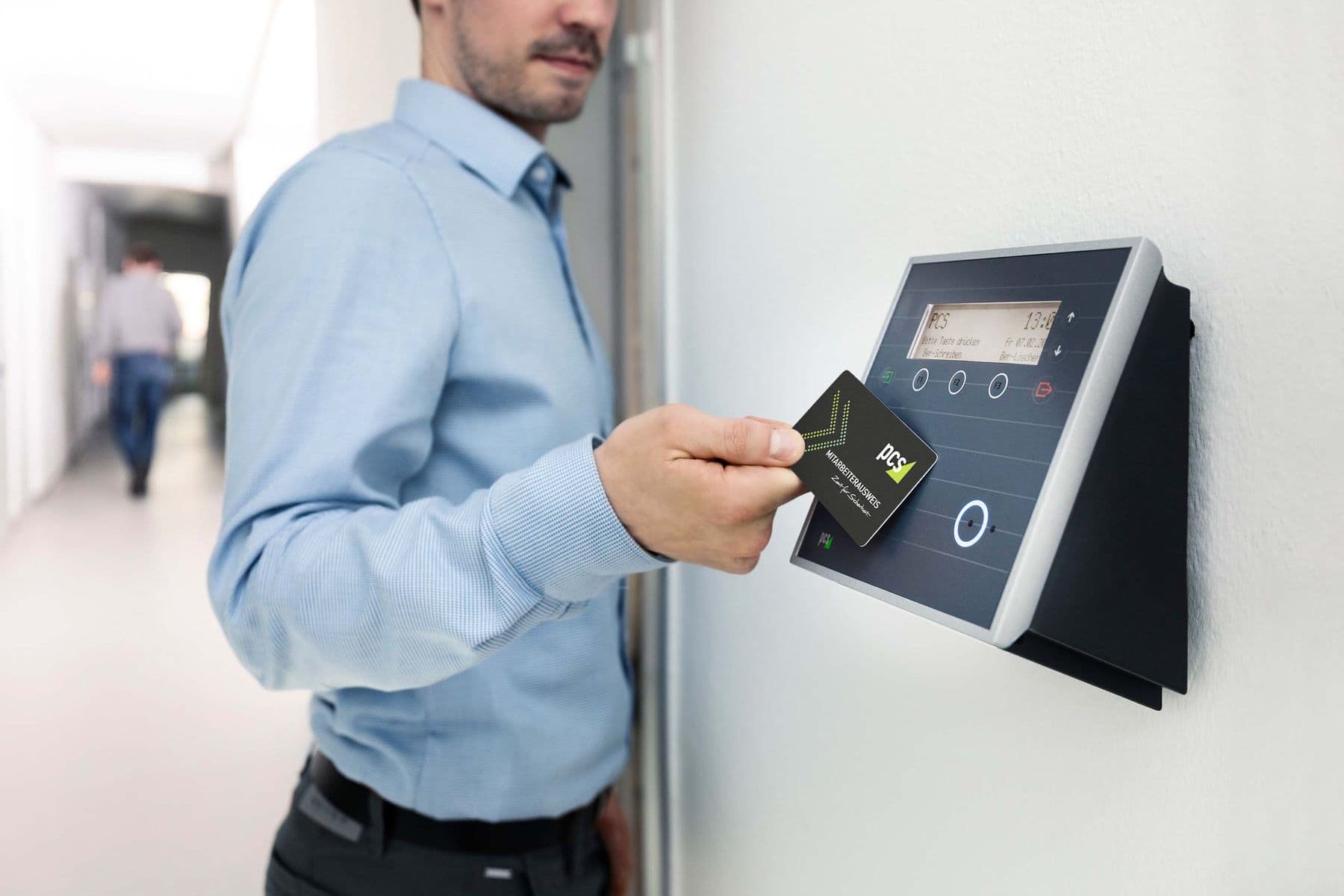
Pedestrian lanes have Face ID terminals for the entry and exit directions. Separating the two directions lets the system record the correct in or out status for each person.
Mounting position and recognition settings are tuned to actual conditions at the gate. The terminal software allows recognition settings per environment and remote adjustment of audio and display.
- Face ID terminals for entry and exit
- Matching in under 1 second, recognition with masks
- Built-in QR code reader on the terminal
- Door or barrier triggered on successful verification
Motorbike and car lanes
Vehicle lanes use automatic barriers, lane divider posts, a plate recognition camera and an overview camera. The plate recognition camera records the plate and a front image, while the overview camera captures the whole lane for the guard to check when needed.
The identification method depends on the user. Cars belonging to residents or regular staff can use long-range UHF tags, residents use short-range cards, and visitors receive a card at the guard house.
- Automatic barrier for each lane
- Plate recognition camera
- Overview camera
- Short-range card reader or long-range UHF reader
- Lane divider posts
The guard house
The guard house brings together images and data from every lane. In the reference gate layout it has a 40 inch LCD screen showing recognition results, plus a computer running the station software.
The station software controls several vehicle lanes from one computer and shows the owner of the card or face together with the vehicle number. One guard position can therefore monitor the whole gate.
Infrastructure to prepare
Gate devices connect to the server over the local network. The following items should be in place before installation.
- CAT6 network cable from each device to the network cabinet, run in protective PVC conduit
- A managed network switch
- Power for Face ID terminals (12V/2A), barriers and cameras
- A UPS for the server and network equipment
- A physical or virtual server, or a cloud environment
- Ports 1883/TCP and 443/TCP open between devices and the server
Deployment steps
- 1Survey the gate and draw the equipment layout
- 2Review the drawings with the owner
- 3Install cable routes, conduit and power
- 4Install devices, station software and central software
- 5Import staff and vehicle lists
- 6Trial with real people and vehicles, tune recognition, train guards and hand over
Frequently asked questions
- How many lanes can one guard house computer manage?
- The station software supports several vehicle lanes on one computer. The exact number is set during the gate survey.
- Can standard cameras be used?
- The software supports both plate recognition cameras and standard cameras. The camera type for each position is fixed in the equipment layout drawing.
- Can the Face ID terminal be installed at an outdoor gate?
- The terminal is rated IP66. The exact mounting position in the pedestrian lane is defined in the survey drawing.
- What should be ready before the installation team arrives?
- An approved gate plan, network cable and power to each device position, and the staff and vehicle lists to import into the system.