
Sports02/09/2026
Booking by phone and notebook compared with a booking platform
A stage-by-stage comparison of manual booking and a booking platform, from checking free slots and taking deposits to reconciliation and merchandise.
Read moreSports
Published 18/03/2026
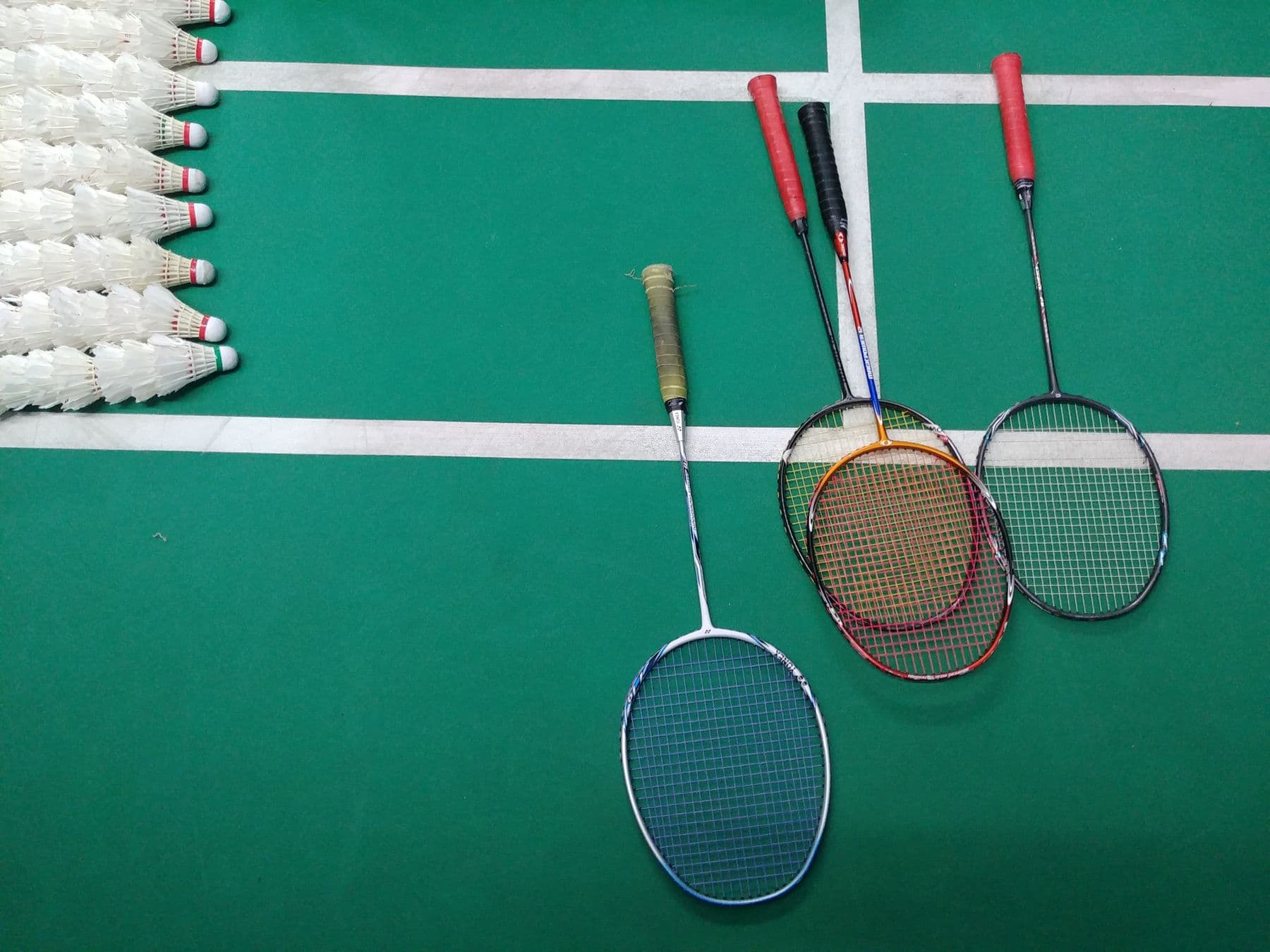
Five booking statuses, a deposit when creating a match and a clear refund policy are designed to help venue owners hold on to the slots they have sold.
For a venue that rents pitches by the hour, a reserved slot where the customer never turns up is lost revenue, because there is rarely enough time to sell it to another group. When bookings rest on a verbal promise, the owner has no hold over the customer beyond personal trust.
This post describes how Sol26 Sport ERP is designed to attach every booking to a defined status and a deposit, together with a refund policy that players see before they book.
A sports pitch is an asset rented by time slot. Once a slot has passed it cannot be sold again, while electricity, staff and surface maintenance costs still apply. The loss is most visible at peak hours, when other groups wanted the slot but were turned away.
When a reservation carries no deposit, the customer bears almost no cost for not showing up. The owner only finds out when the pitch is still empty at kick-off, with no time left to find a replacement.
In the venue owner app, each booking is designed to move through five statuses. Owners and staff can see at a glance which step a booking is at and what needs to happen next.
Separating pending confirmation from awaiting deposit lets the owner tell a new request apart from a booking backed by money. Only bookings in the deposited status should be treated as slots that are certain to be used.
For players who use the create match feature to find opponents, the platform is designed to allow a match to be created only after a pitch booking and a 30% deposit. Every match in the match list is therefore tied to a slot that is actually held at a venue.
The payment screen shows the pitch, time, location, number of players, total amount and total after any voucher. Players review all of this before transferring the deposit, which reduces price disputes after the match.
A deposit only works when the refund rules are clear. Sol26 Sport ERP is designed with a cancellation policy based on the following cut-offs.
The first hour lets players correct a mistaken booking without losing money. After that, the refund falls as the match date approaches, in line with how much harder it becomes for the owner to resell the cancelled slot.
Players can pay through a payment gateway, in which case the service fee is increased by the gateway's percentage fee. If they pay with coins from the in-app wallet, they pay only the service fee with no payment charge. Coins are used for vouchers and in-app transactions and cannot be withdrawn as cash.
In the operations back office, a bot is designed to check player bank transfers and update the amounts in the system. Owners do not need to search bank statements to see which bookings have been deposited.
The admin system has an automatic push notification template sent to players for every match, alongside SMS, ZNS and chatbot channels. Reminders help players who have paid a deposit remember when they are due to play.
For matches created by players, the match chat runs from the moment the booking succeeds until 24 hours after the match ends. Members use it to agree on arrival times and to give early notice of any changes.
Sol26 Sport ERP
Pitch booking and venue management
Sports02/09/2026
A stage-by-stage comparison of manual booking and a booking platform, from checking free slots and taking deposits to reconciliation and merchandise.
Read more
Sports21/07/2026
Sales and rental item lists, stock and merchandise revenue kept separate from pitch fees, and what each service plan allows.
Read more
Sports09/06/2026
Team profiles, team search filters, deposit-backed matches and match chat are designed to let players find opponents and book pitches in the same app.
Read more