Buildings12/09/2026
Plate recognition parking: the cases the software must handle
A camera that reads plates does not mean the car park runs smoothly. Here are the real-world cases parking management software needs to get right.
Read moreBuildings
Published 09/07/2026
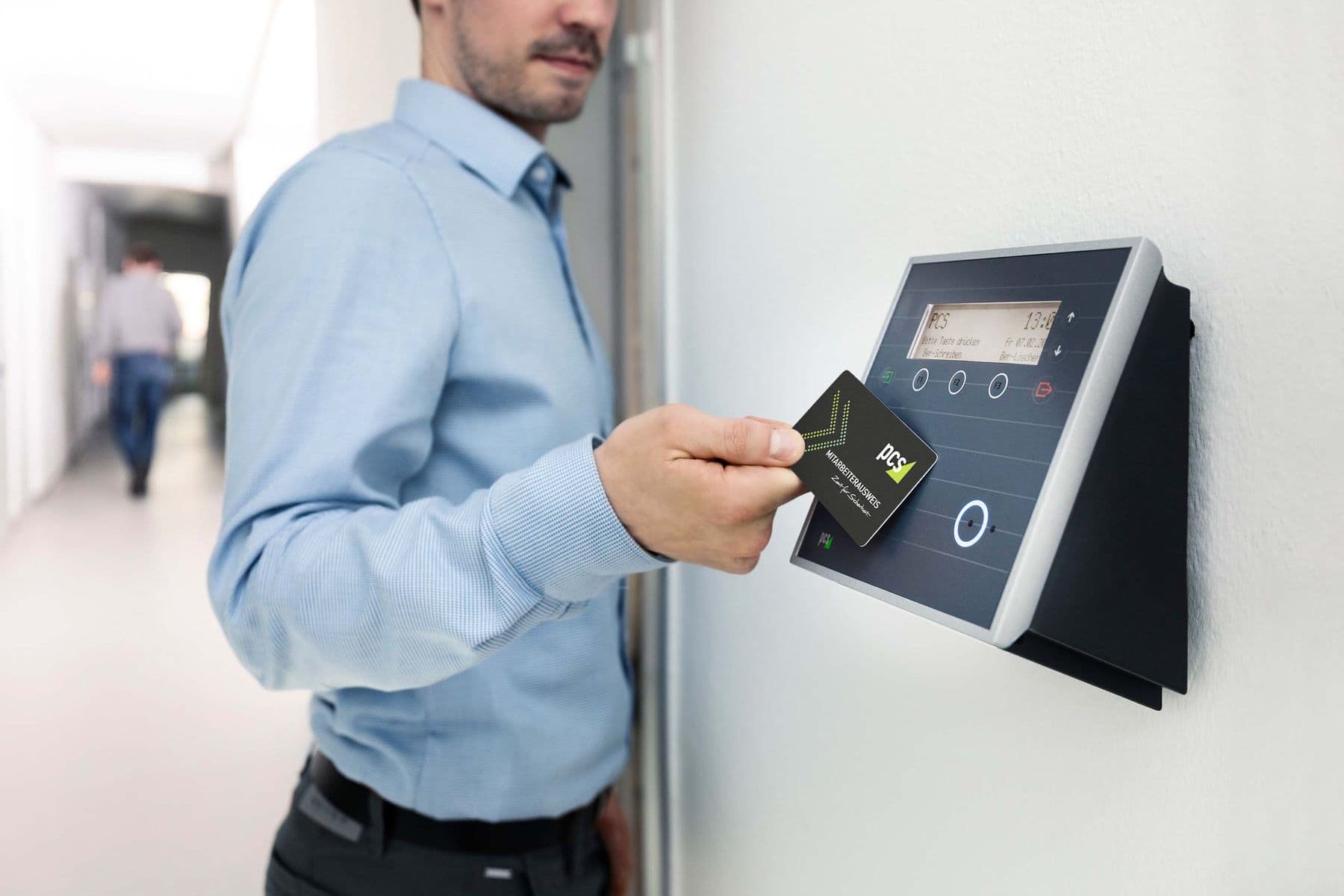
The station application is the screen a guard watches all shift. This post walks through each step of the work and what the software does for the guard.
Sol26 Parking has two applications: a station application for security guards and a central application for managers. Guards work mainly on the station application, which sits in the guard house next to the lanes.
This post describes a shift in the order the work happens, from logging in to the visits that need manual handling, so operators understand the guard's role before deployment.
The guard logs in with a role-based account issued by the administrator. Accounts belong to individuals, so every approval or rejection during the shift is recorded against the right person.
The software controls several lanes from one computer and shows the entry and exit status of each lane. If a camera fails or cannot recognise plates, the screen shows an alert so the guard can report it to technical staff.
The software shows the plate and vehicle image automatically. The entry record holds the plate, front image, entry time, and the driver's image and name. For card users, the screen shows the card owner's details alongside the plate so the guard can compare them.
The software recognises the plate as the vehicle leaves, matches it against the entry plate and shows the entry photo again. If one owner has several vehicles, it reconciles against the owner's vehicle list automatically.
For visitor cars, the application shows the total fee for the visit on exit. The visitor pays the guard directly, and the visit is stored in the history for revenue reconciliation.
When plates do not match or the system finds no data, the visit moves to manual handling. The guard follows these steps.
The software also alerts when a vehicle is not recorded inside at check-out and when a vehicle has left through manual handling. These alerts let managers review manual decisions after the shift.
The parking history on the station application shows the In or Out status, time and images of each visit. Guards check and resolve cases manually from the history screen without switching to another view.
Administrators log in to the central application to add, edit, activate or deactivate guard accounts. Traffic and revenue statistics by period, and the full history with approvers, are viewed in the central application.
Sol26 Parking
License plate recognition parking
Buildings12/09/2026
A camera that reads plates does not mean the car park runs smoothly. Here are the real-world cases parking management software needs to get right.
Read more
Buildings18/08/2026
A car park project covers lane devices, infrastructure, software and vehicle data. This checklist gathers what needs settling before installation.
Read more
Buildings26/05/2026
An apartment car park serves several groups with different identification methods. This post covers cards, UHF tags, visitors and resident data.
Read more