Buildings12/09/2026
Plate recognition parking: the cases the software must handle
A camera that reads plates does not mean the car park runs smoothly. Here are the real-world cases parking management software needs to get right.
Read moreBuildings
Published 18/08/2026
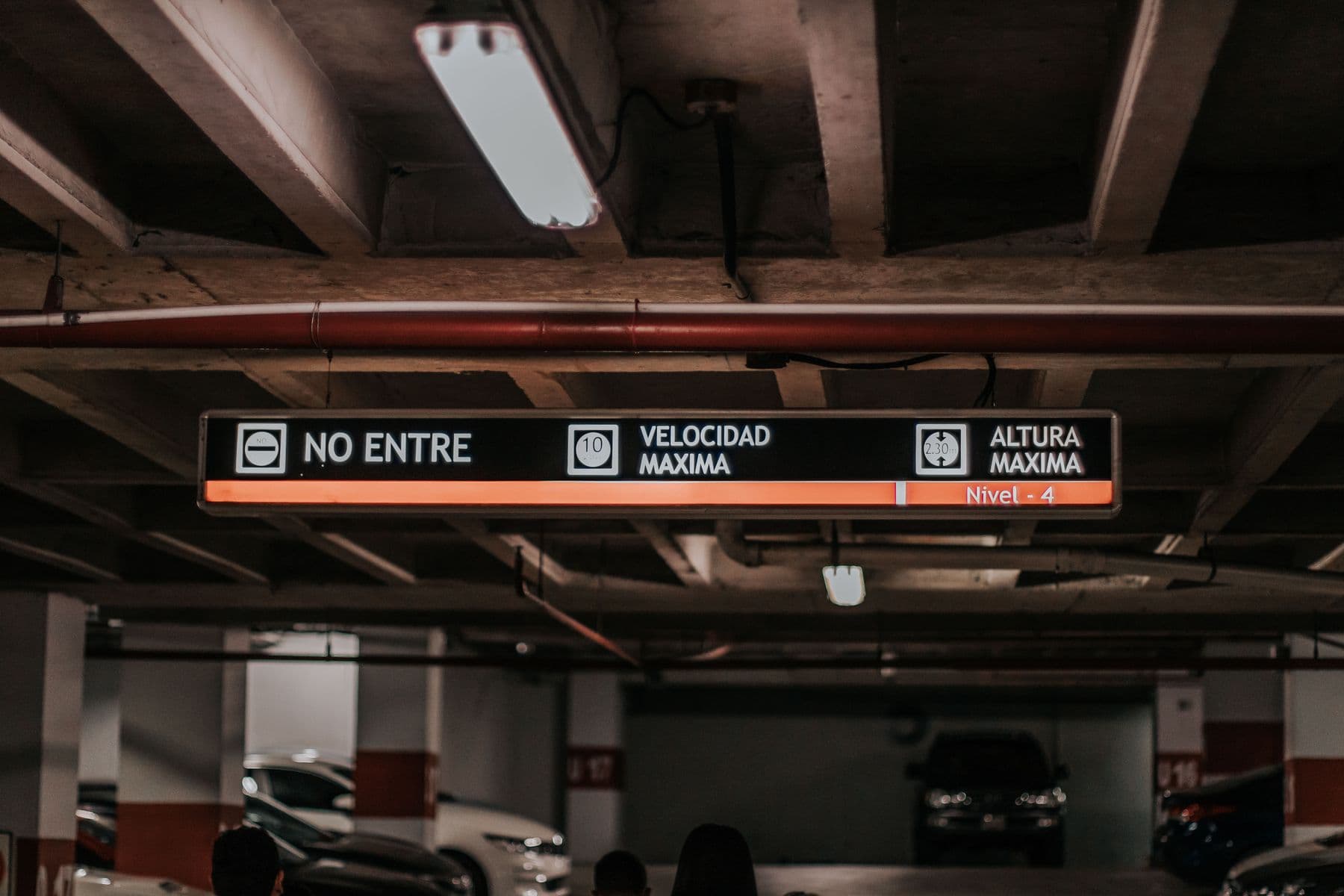
A car park project covers lane devices, infrastructure, software and vehicle data. This checklist gathers what needs settling before installation.
A plate recognition car park project covers lane devices, network and power infrastructure, the station application, the central application and registered vehicle data. These items depend on each other, so leaving one out during preparation forces changes to the rest.
The checklist below follows the three Sol26 Parking deployment steps: survey and design, installation and configuration, trial and handover.
Scale determines the number of software licences, the number of devices and how alerts are configured. The gate access software is licensed per gate, and the central application is licensed per server.
Before construction there should be a floor plan showing the device layout at the entry and exit gate. It marks the positions of the plate recognition camera, overview camera, barrier, lane divider post, guard house and monitoring screen for each lane.
Beyond the floor plan, a section and a 3D perspective help the owner picture device positions before approval. The drawings move through preliminary, for approval, construction and as-built issues.
For third-party equipment, the hardware supplier must provide standard API or SDK documentation, for example for the barrier controller, before Sol26 carries out the integration. Owners should work with the equipment supplier to obtain it early.
In Sol26 equipment quotations, infrastructure is listed as a separate item. The distance from the lanes to the guard house and network cabinet determines the cable quantity, so it should be measured during the survey.
The trial run uses real vehicles, tunes recognition and trains guards before go-live. The trial script should cover unusual cases as well as normal entries and exits.
Sol26 Parking
License plate recognition parking
Buildings12/09/2026
A camera that reads plates does not mean the car park runs smoothly. Here are the real-world cases parking management software needs to get right.
Read more
Buildings09/07/2026
The station application is the screen a guard watches all shift. This post walks through each step of the work and what the software does for the guard.
Read more
Buildings26/05/2026
An apartment car park serves several groups with different identification methods. This post covers cards, UHF tags, visitors and resident data.
Read more