Sports
Counter sales and end-of-shift cash counts at a sports venue
Published
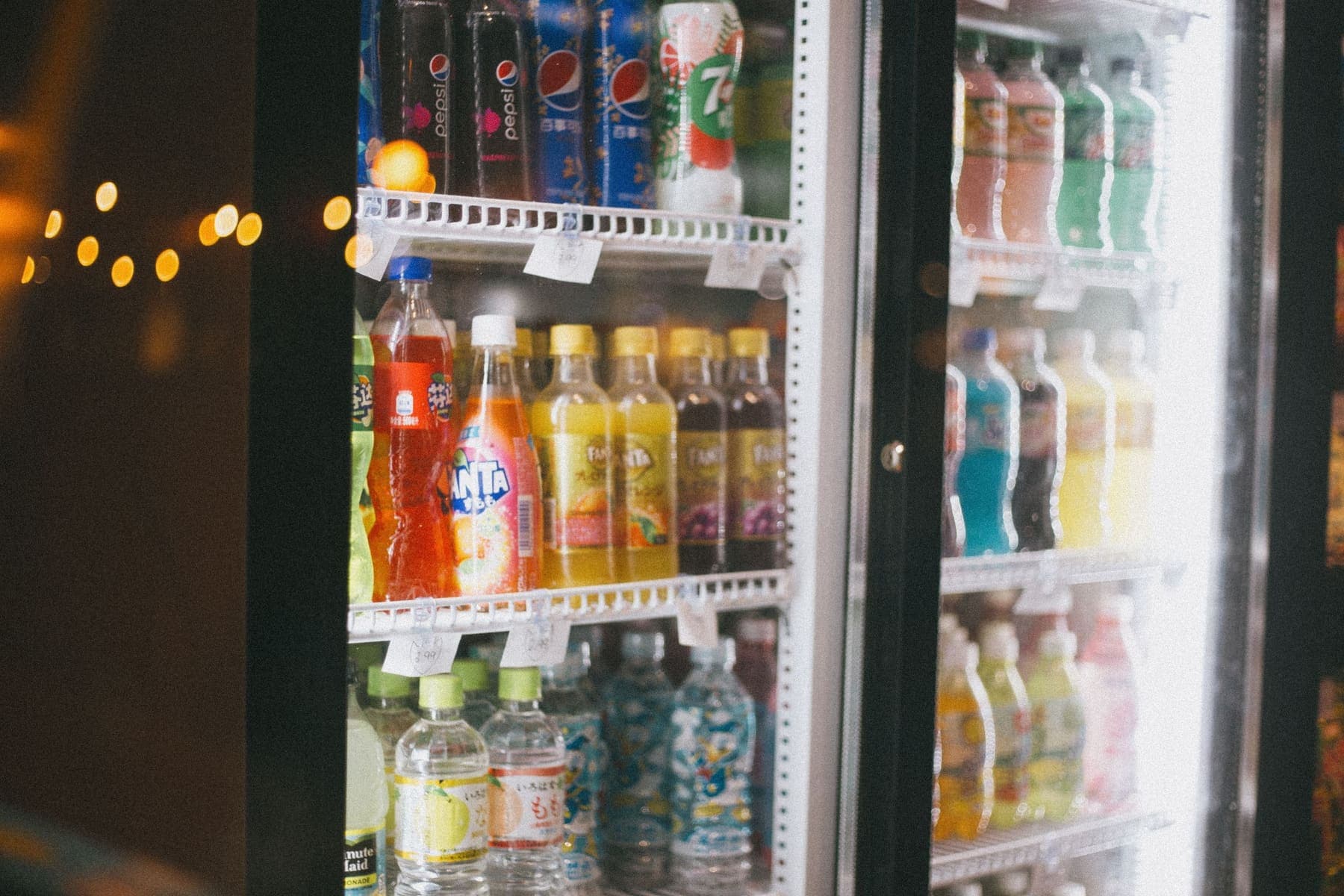
The drinks counter is where a venue loses money most easily when the owner is away. This post walks through a counter day of open shift, sell, close shift in Sol26 SportTech.
Many football and badminton venues run a counter for drinks, snacks and accessories. Counter revenue is smaller than pitch fees, but it is the hardest part to control: lots of cash, small transactions, frequent shift changes and an owner who is often away at peak time.
The question an owner wants answered every evening is simple: did the drawer count match at the end of the shift? Sol26 SportTech is built to answer exactly that.
Three counter tasks a day
The person at the counter has three jobs: open the shift, sell, close the shift.
- Open shift: enter the starting float in the drawer
- Sell: tap products on large tiles, add them to the order and take payment
- Close shift: count the drawer and enter the amount
The interface is built for the person at the counter at seven in the evening, not for office staff. Product tiles are big enough to tap quickly, and the software installs to the phone home screen like an app.
The count: the difference shows as you type
At the end of the shift, staff count the drawer and type the amount. While they type, the software shows the book figure alongside, so they see straight away whether they are over or short.
On confirmation, the difference is recorded with the name of the person who counted. There is no paper reconciliation later and no leaving it until tomorrow.
Why the book figure can be trusted
The cash expected in the drawer comes from a single ledger. Money follows double-entry rules: every transaction has both sides and always balances. Bookings, counter sales and other income and spending all go into the same ledger, with no separate counter for each screen.
So the figure on the counter screen, in the cash book and in the owner's report is the same. An owner who sees two different numbers on two screens stops trusting the software, and that trust is hard to win back.
The cash book shows which shift was off
The cash book lists shifts and flags the ones that did not balance. The owner does not need to add up receipts, only to see which shift has a difference, who counted and by how much.
For owners who leave the counter to staff, this is a way to manage cash without being at the venue every night. Owners of several venues also get an all-venues overview.
Goods and customers at the counter
The counter manages the venue's goods and customer list. Every sale goes into the same ledger as pitch fees, so the end-of-day report covers both without manual adding.
Frequently asked questions
- How does the end-of-shift count work?
- Staff count the cash in the drawer and enter the amount. The software shows the book figure while they type and records the difference with the name of the person who counted.
- Are pitch fees and counter sales counted together?
- Bookings and counter sales are written to one double-entry ledger, so the cash expected in the drawer comes from both.
- How do I find which shift was short?
- The cash book shows which shift did not balance, with the difference and who counted it.
- Can older staff use it?
- The counter uses large product tiles for tapping, and the owner's screens carry no technical English.
Sol26 SportTech
Sports venue management software and booking app