Sports
Booking by phone and notebook compared with a booking platform
Published
A stage-by-stage comparison of manual booking and a booking platform, from checking open hours and blocking double bookings to monthly passes and end-of-shift cash counts.
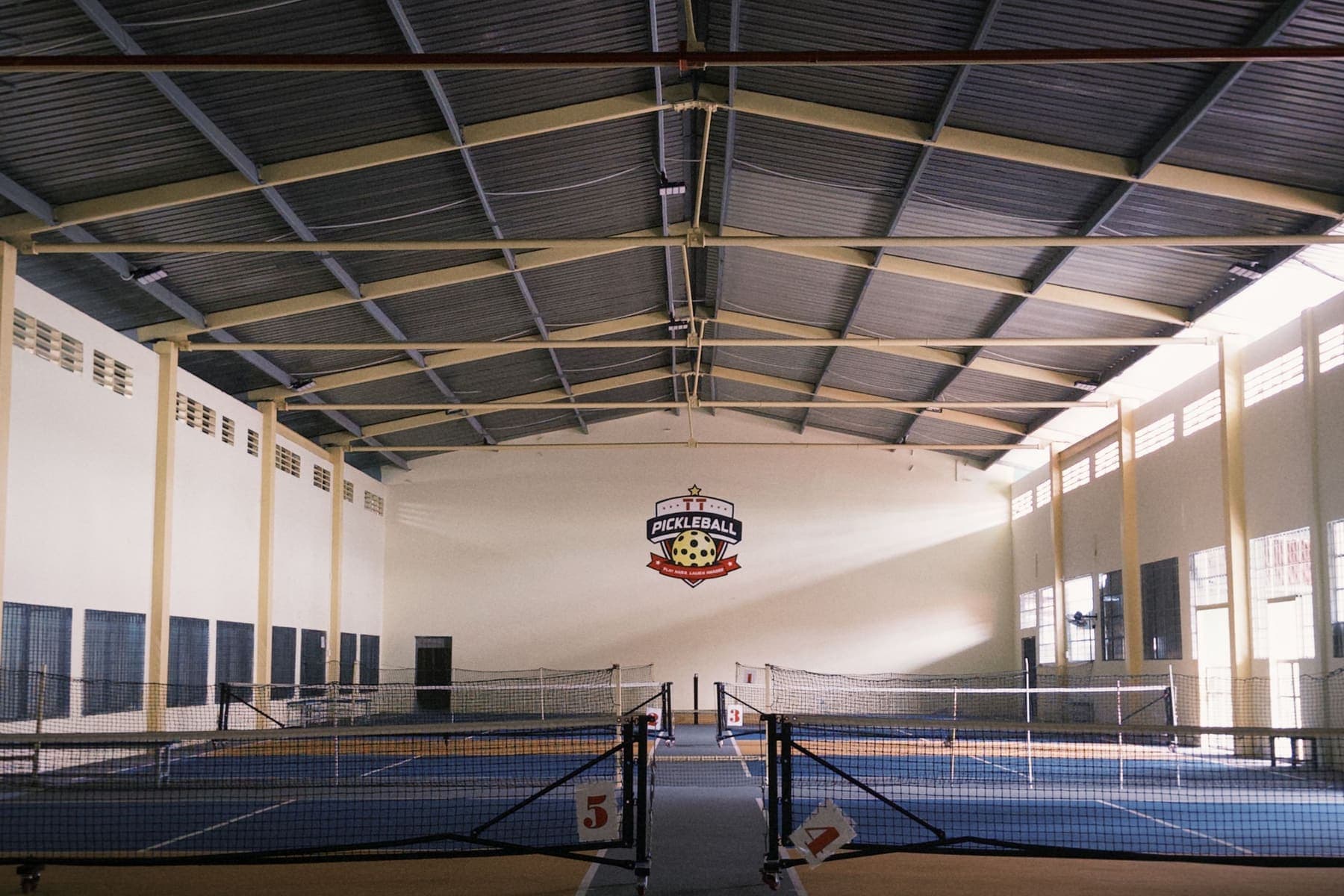
Most football, badminton and pickleball venues still take bookings by phone and Zalo and write them in a notebook. That works while the venue is small and one person takes every booking. As pitches are added, several staff take bookings and a drinks counter opens, the risk of clashes and cash differences grows.
This post compares each stage of the manual approach with the Sol26 SportTech platform.
Checking open hours
Manual: players call each venue and wait while staff flip through the notebook. Outside working hours, nobody answers.
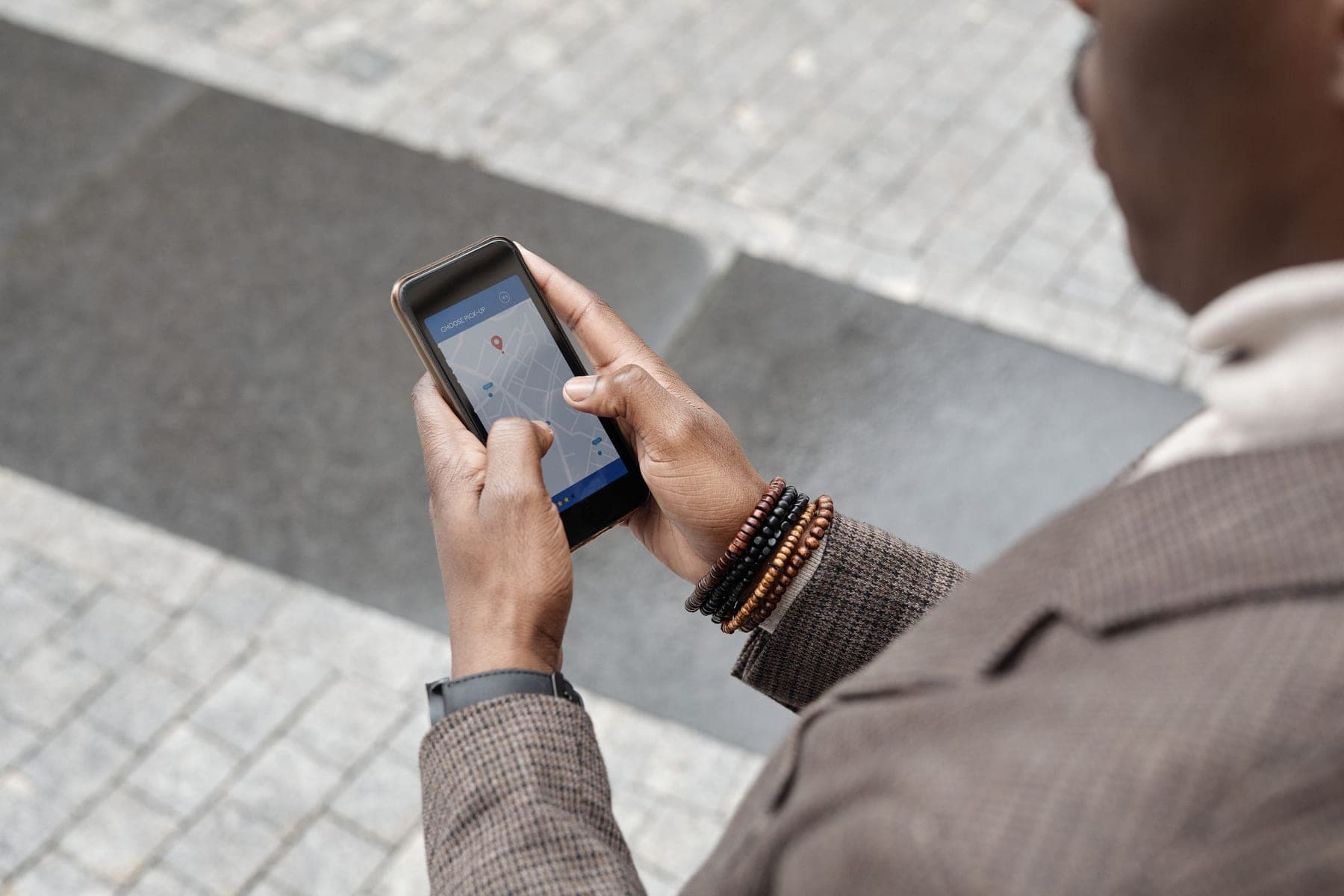
On the platform: the venue manages its schedule on the booking grid, so open hours in the app are the open hours at the counter. Players browse a map of nearby venues, filter by sport and distance, and book in about thirty seconds.
Double bookings
Manual: two people take bookings for the same hour without knowing, until both groups arrive.
On the platform: the chosen hour is held for 5 minutes while the customer finishes, and the database refuses two overlapping bookings on the same pitch. Combined pitches lock too: booking a 7-a-side locks the two 5-a-side pitches inside it.
Regular renters
Manual: regulars sit on a separate notebook page or spreadsheet and are easily forgotten when a one-off booking comes in.
On the platform: a monthly pass is signed from the range selected on the grid, every session for the term is generated and clashes are flagged at signing.
Counter cash and shift close
Manual: pitch fees and drink sales are mixed in the notebook, added up by hand at the end of the day, and often do not match with no way to tell where.
On the platform: staff open a shift, sell on large product tiles and close by counting the drawer. The difference shows while they type and is recorded with the counter's name. Pitch fees and counter sales go into one double-entry ledger, so every screen shows the same number.
Customer and revenue data
Manual: data lives in notebooks and personal phones, and a lost notebook is lost data.
The platform has two deployments:
- Cloud: usable the day you sign, no hardware to buy
- On site: everything on one machine at the venue, no internet needed for daily operation, with only the price list and open or busy hours shared with the app
Cost
Phone and walk-in bookings are not charged. Fees apply only to bookings from the app, which is the new business the platform brings in.
When to switch
A venue should switch when two or more people take bookings, when it has monthly regulars, or when it runs a drinks counter the owner does not staff personally. Nothing has to be given up: the grid replaces the notebook, and app bookings come on top.
Frequently asked questions
- Does using the platform mean no more phone bookings?
- No. Phone and walk-in customers are still entered straight into the grid. App bookings come on top.
- Are walk-in bookings charged a fee?
- No. Fees apply only to bookings that come from the app. Phone and walk-in bookings are free.
- How do players pay?
- Players book in the app and pay at the counter. Every payment is recorded in the venue's ledger.
- What if the venue does not want customer data in the cloud?
- The venue uses the on-site edition. All data stays on one machine at the venue, and only the price list and open or busy hours are shared with the app.
Sol26 SportTech
Sports venue management software and booking app