

SOL26
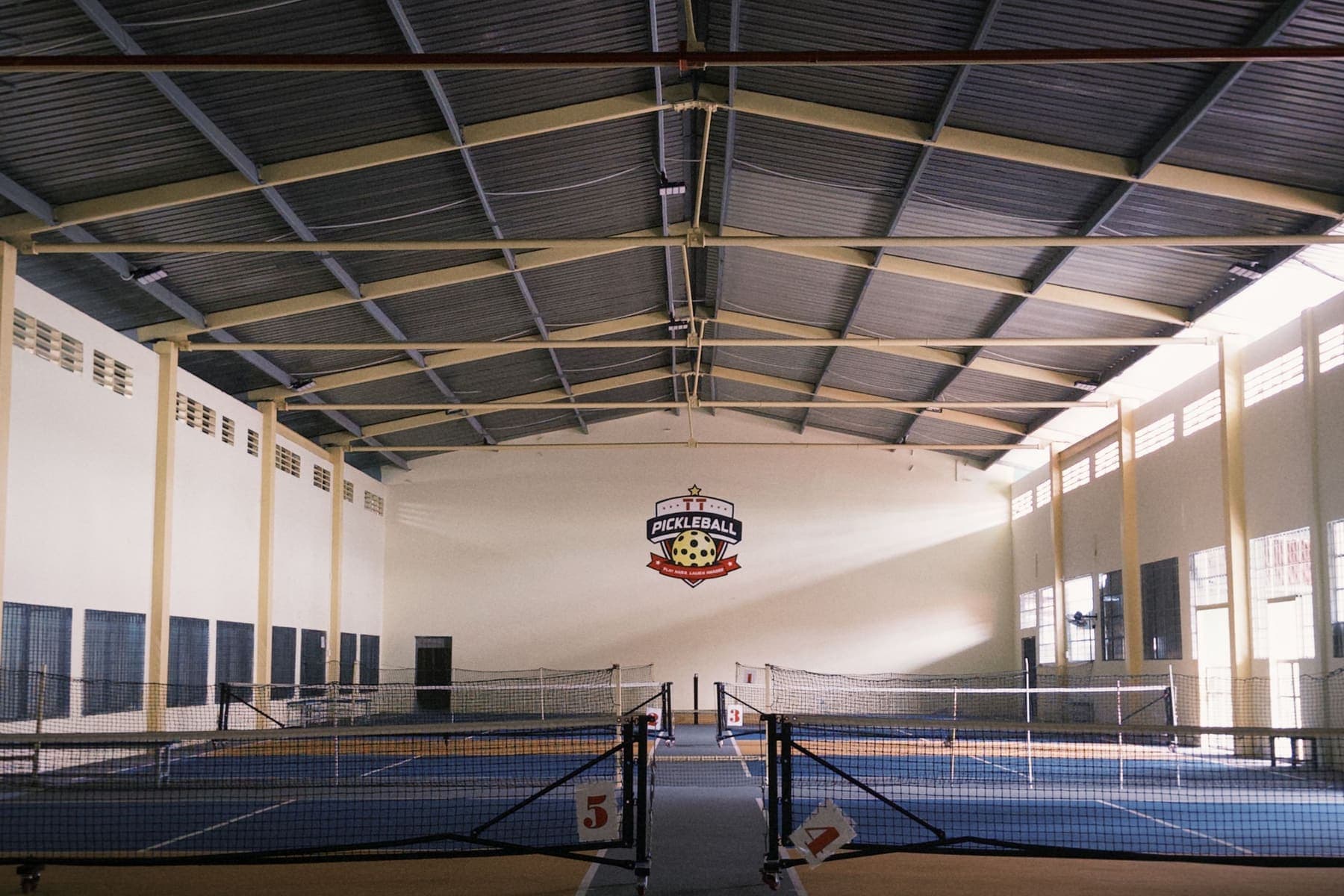
Bright modern indoor pickleball courts

Sol26 SportTech

Sports venue management software and booking app

Sol26 SportTech has two parts on one set of data: an app for players and operations software for venues, sports shops, coaches and referees. Venues manage their schedule in the software, so open hours in the app are the open hours at the counter and players can book without calling each venue. One account covers every role, and after login each person lands in their own area.

SPT

Key features

  • 01Double booking blocked inside the database, with the chosen hour held for 5 minutes while the customer finishes
  • 02Combined pitches lock together: book a 7-a-side and the two 5-a-side pitches inside it lock too
  • 03End-of-shift cash count: the difference shows while you type, with the counter's name recorded
  • 04Runs in the cloud or on one machine at the venue, so customer and revenue data never leave the site
  • 05One double-entry ledger for bookings, counter, shop and team funds, the same number on every screen
  • 06Unsold hours go to the match board at a price the owner sets, with the pitch held from the moment of posting
Football on a floodlit artificial pitch at night
Venue front desk staff greeting a customer

Venue operations software

  • Today overview answers how the day is going, with direct buttons for pending tasks
  • Booking grid with swipe-to-select and drag-to-move by finger, six shortcuts for a busy counter
  • Monthly passes signed from the range just selected on the grid, the whole term generated, clashes flagged
  • Counter sales with large product tiles, goods and customers
  • Open shift, sell, close shift; the cash book shows which shift did not balance
  • Owners of several venues get an all-venues overview
  • Installs to the phone home screen like an app, with notifications

Two ways to deploy

  • Cloud: usable the day you sign, no hardware to buy
  • On site: everything on one machine at the venue, no internet needed for daily operation
  • The on-site edition still takes app bookings by sharing only the price list and open or busy hours
  • Fees apply only to bookings that come from the app, walk-in bookings are free

Player app

  • Map and list of nearby venues filtered by sport and distance, 8 sports in Ho Chi Minh City and Hanoi
  • Match making: match board, teams and clubs, player cards, Elo ranking per sport, reliability score
  • Book coaches, referees, video crews and ambulances straight from a match
  • Shop: sportswear and gear from real stores, cart and order tracking
  • Medical and SOS: map of 870 hospitals, clinics and rehab centres, first aid guides, a 115 call button
  • Book in the app, pay at the counter

Sports shops and service providers

  • Shops are already on the map, so after handover they can sell without re-entering their details
  • Shop owners list products, take orders and ship with a tracking number
  • Coaches, referees, video crews, mini VAR, photographers and on-site ambulances get one profile and a request inbox
  • Hourly rate, service area, years of experience and an Accepting work switch

Ranking on the map

  • Ranking comes from a trust score and cannot be bought
  • The trust score has three inputs: whether the venue cancels bookings itself, whether it settles on time, and the share of bookings from app members
  • Listed-only venues still appear in search for calling, synced venues can be booked in the app

Who it is for

Venues on notebooks, Zalo or Excel

The grid replaces the notebook. Phone and walk-in customers go straight into the grid as before, app bookings come on top.

Venues wary of sharing data

Everything runs on the venue's own machine. Only the price list and open or busy hours go out.

Owners of several venues

One ledger for every venue and an all-venues overview.

Sports shops

Already on the map, selling to players looking for a pitch nearby.

Coaches, referees and services

One profile that match organisers find and book directly, without Zalo groups.

Players

See real open hours and book in thirty seconds. Short of players, post a match.

Deployment process

  1. 1

    Choose the deployment

    Cloud is usable the same day. The on-site edition installs on one machine at the venue, with install, update and backup scripts.

  2. 2

    Set up the grid and prices

    Enter pitches, combined pitches, the price list, counter goods and existing monthly passes.

  3. 3

    Train the counter staff

    Three daily tasks: open shift, sell, close shift.

  4. 4

    Take app bookings

    Sync the price list and open hours to the app so players can book. Venues rank higher by keeping an honest schedule.

Related articles

Call now0777.888.908Request a consultation