
Retail16/09/2026
Choosing equipment for a gold shop moving to management software
Software only pays off when it connects to the right counter equipment. Here is the minimum kit for one counter and the order to buy it in.
Read moreTechnology
Published 10/06/2026
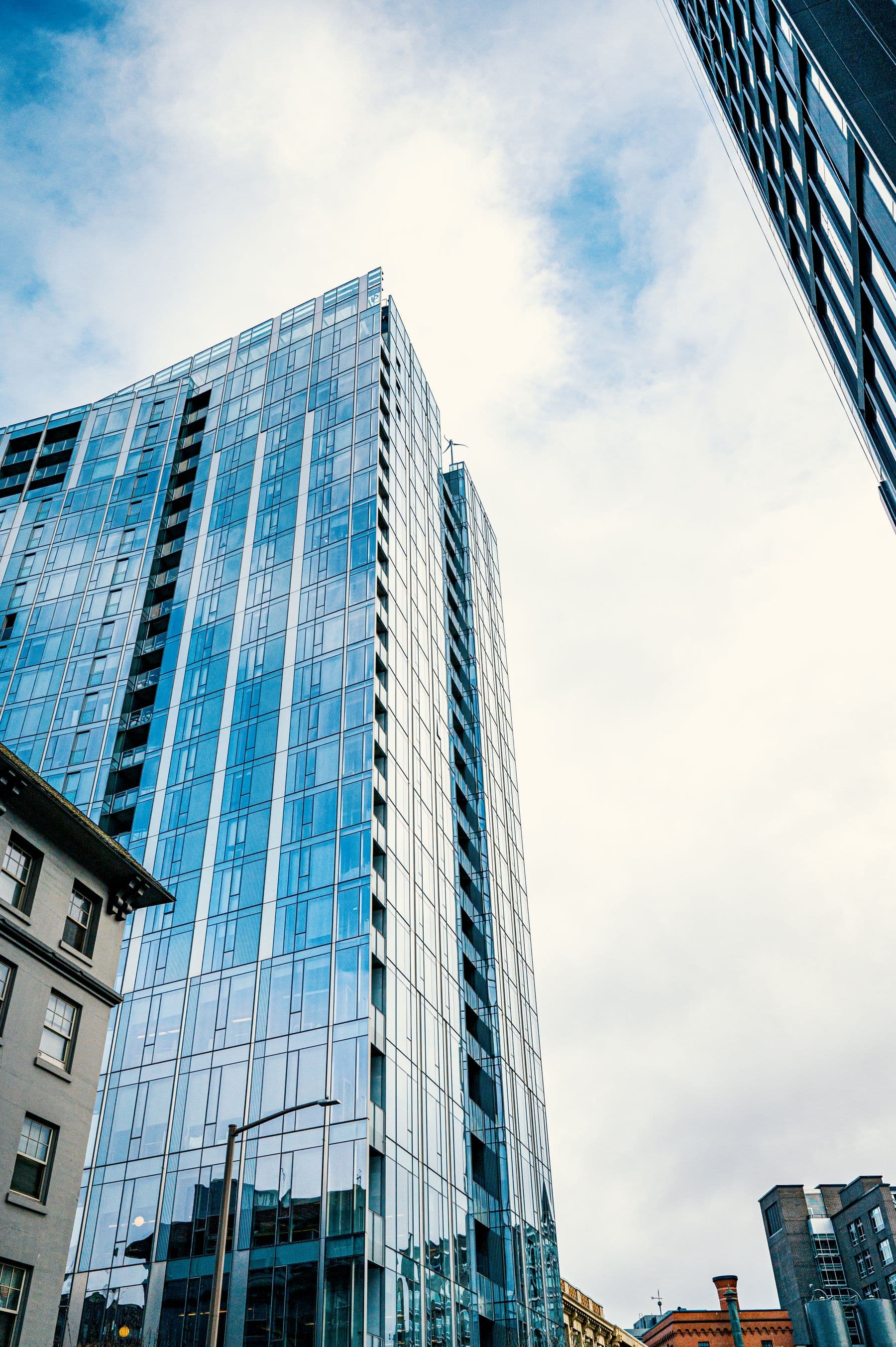
Factories and buildings usually invest in operational systems in stages. This post shows how to start with the canteen and extend to parking and access control without re-entering staff data.
Factories and buildings usually invest in operational systems in stages: first the canteen, then parking, then access control at the gate. If each system has its own staff list and its own software, data has to be entered again in several places and gradually stops matching between systems.
This post explains how Sol26 Canteen, Sol26 Parking and Sol26 Access are built on one technical foundation, sharing staff data and infrastructure, so a business can start with one system and expand step by step.
At many factories, the canteen worker list, the parking card list and the list of people allowed through the gate are managed separately. When staff join or leave, data has to be updated in each system.
Sol26 solutions share staff data and infrastructure. The staff list is imported by plant, department, section and employee ID, then used by the canteen, parking and access control.
Recognition devices at each point sync the user list from the server. When a new system is added, the business integrates it with existing data instead of re-entering the staff list from scratch.
For multi-shift factories, the canteen is often the first problem to solve. With Sol26 Canteen, staff order meals in a web app and collect them at the counter with Face ID or a QR code, the system blocks duplicate collection and reports meals ordered and served per shift.
After this stage the business already has its staff list in the system, a server and face recognition devices at the counter. This is the foundation that later systems reuse.
When Sol26 Parking is added, plate recognition cameras record vehicles on entry, match them automatically on exit and alert on duplicate plates or overcapacity. Staff can use short-range cards, and cars can use long-range UHF tags.
One central application manages several stations, with full parking history and traffic statistics by period. In buildings, resident data including plate, name, card and unit is synced with building management.
Sol26 Access places Face ID terminals at pedestrian lanes, barriers and plate recognition cameras at vehicle lanes, and a monitoring screen in the guard house. It is managed in the same software as parking and shares the staff list with the canteen and parking.
The install and integrate step covers installing devices, bringing the staff list into the system and integrating with parking and canteen where present. A business already running Sol26 Canteen or Sol26 Parking reuses its existing staff list at this step.
Solutions can be deployed alone or combined, on an on-premise server or on the cloud, purchased outright or rented according to usage.
Retail16/09/2026
Software only pays off when it connects to the right counter equipment. Here is the minimum kit for one counter and the order to buy it in.
Read more
Buildings12/09/2026
A camera that reads plates does not mean the car park runs smoothly. Here are the real-world cases parking management software needs to get right.
Read more
Factories09/09/2026
The kitchen does not know quantities in advance, workers queue, meals are collected twice, and month-end reconciliation fails. This is the problem a smart canteen system solves.
Read more