A canteen dashboard needs to show how many meals were ordered, how many were served and how many remain. This post covers the figures by shift, by line and by department.
Once a canteen moves to pre-ordering and Face ID or QR collection, every order and every collection is recorded. That data is only useful when it reaches the right people at the right time: the kitchen needs quantities during the shift, managers need reconciliation after the shift, and administration needs weekly and monthly reports.
This post lists the figures that belong on the kitchen monitoring screen, on the administrator dashboard and in exported reports.
Monitoring screen for kitchen staff
During the meal, kitchen staff use a web screen that tracks check-ins in real time. It is not an analysis tool. It is there to serve the right meal and to see which dish group is running low.
- The employee just authenticated and the dish they ordered
- Meals remaining per dish group
- Images and details of today's menu
- Current date and time
On the counter TV, the layout should favour reading from a distance. One factory asked to reduce the display from three faces to two large faces and to remove the served status so servers could see more clearly.
Meals ordered versus meals served
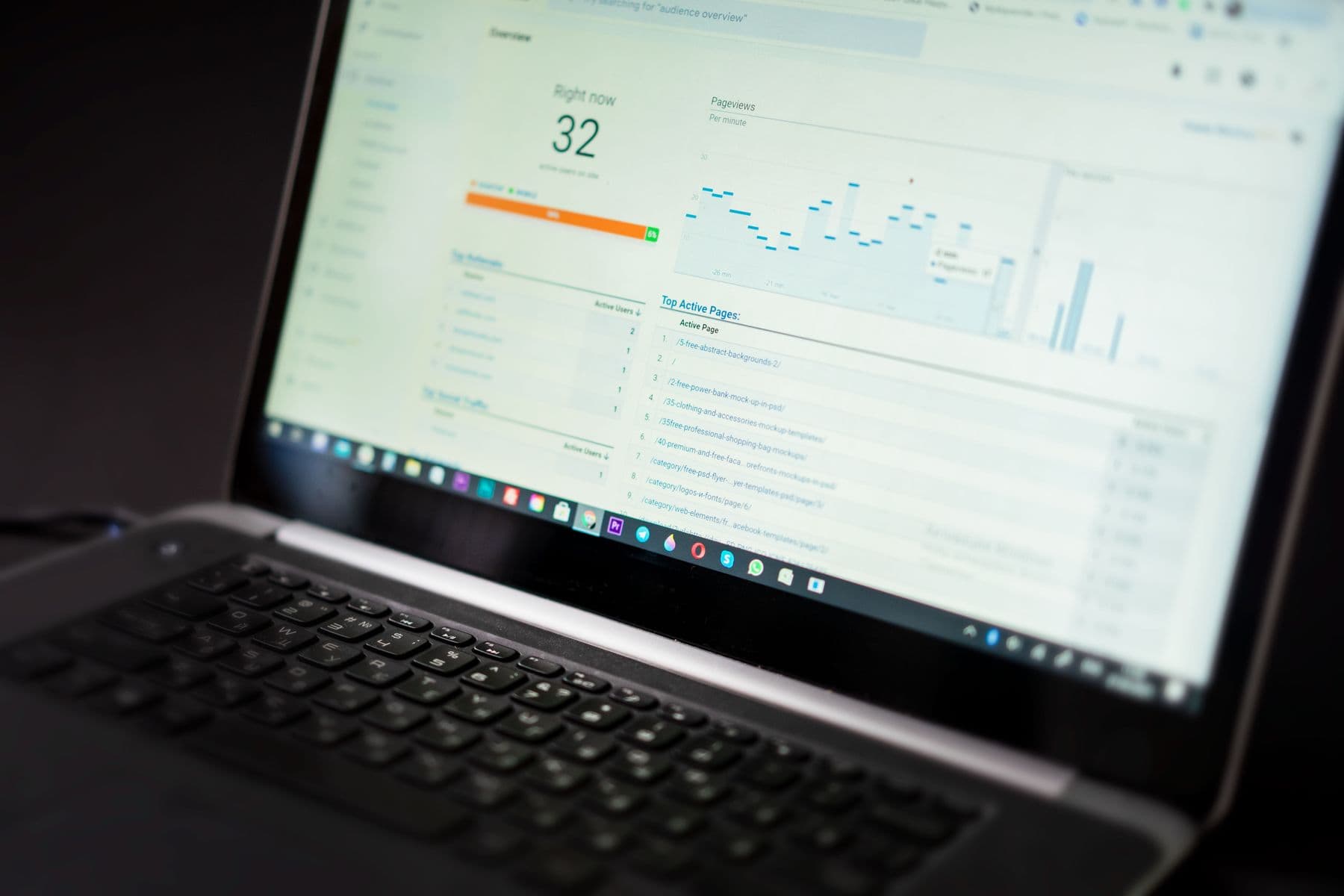
The most important figure on the administrator dashboard is the comparison between meals ordered and meals actually collected. One project asked for a chart with Collected over Ordered figures for each dish. The gap between the two numbers is the number of meals prepared that nobody collected.
Reports also separate the people who collected a meal from those who did not. This is the basis for reconciling with the catering provider and for setting kitchen quantities from actual registrations.
Splitting figures by shift and by day
A multi-shift factory needs figures split by shift, because each shift has its own menu, quantities and collection lines. Each person collects one meal per shift, but can order several meals across different shifts in one day.
- Meals ordered, served and not collected per shift
- Meals by day, week and month
- Quantities to prepare for the kitchen, configured from actual registrations
- Total number of lines in service on the home page
Labels directly affect how figures are read. On the home page of one system, Total Line had been translated into Vietnamese as total production lines and was corrected to total number of lines to match the term used in the canteen. Weekdays, dates and months were also switched to Vietnamese.
Analytical reports for management
Beyond in-shift figures, the advanced reporting features add a longer-term view.
- Charts of dish groups by day, week, department and dish type
- Popular dish statistics based on staff ratings
- Weekly staff meal registration rate
- Registration versus actual collection ratio
- Export to Excel or send by email to authorised addresses
Department reports are only accurate when the staff data includes plant, department, section and cost code from the start.
Viewing reports on the web or downloading them
Basic reports can be run by week, by month or for a custom period and exported to Excel. A custom period must lie before the current time, otherwise the system has no data to export.
Administrators in one project asked for the selected report to be shown as a table directly on the web, so they would not have to download a file every time. Downloads are still needed when sending figures to accounting or to the catering provider.
Frequently asked questions
- Are figures updated during the meal?
- The kitchen monitoring screen shows check-ins and remaining meals in real time. Summary reports have complete data once ordering and collection are finished.
- Are there reports by department?
- Yes, in the advanced reporting features, provided the staff data includes the department field.
- Can reports be sent by email?
- The advanced features support exporting to Excel or sending reports to authorised email addresses.
- Why can a report not be exported for a given period?
- A custom period must lie before the current time. The system only holds data for shifts that have already taken place.