Sports
Preventing double bookings: why the block belongs in the database
Published
Double bookings happen at the busiest hour. This post explains the layers that block them in Sol26 SportTech and why the last one sits in the database.
For a venue owner, a double booking is the most expensive mistake: two groups arrive for one pitch, one has to leave, and the venue loses a regular. It rarely happens when the venue is quiet. It happens at seven in the evening, when the phone keeps ringing, staff are selling drinks while taking bookings and several people are looking at the same hour in the app.
This post describes how Sol26 SportTech blocks double bookings and why the final check lives in the database rather than only in application code.
Why notebooks and Zalo groups double book
When the schedule lives in a notebook, a spreadsheet or Zalo messages, each person taking bookings only sees the part of the schedule they hold. The afternoon staff member takes a phone booking, the owner takes another on Zalo for the same hour, and nobody knows until both groups turn up.
Many booking systems check for clashes by reading the schedule and then writing the booking. That works with few users, but when two requests arrive almost together, both can read the hour as free and both get written. That is why code-level clash checks tend to fail at the busiest moment.
Layer one: a 5-minute hold
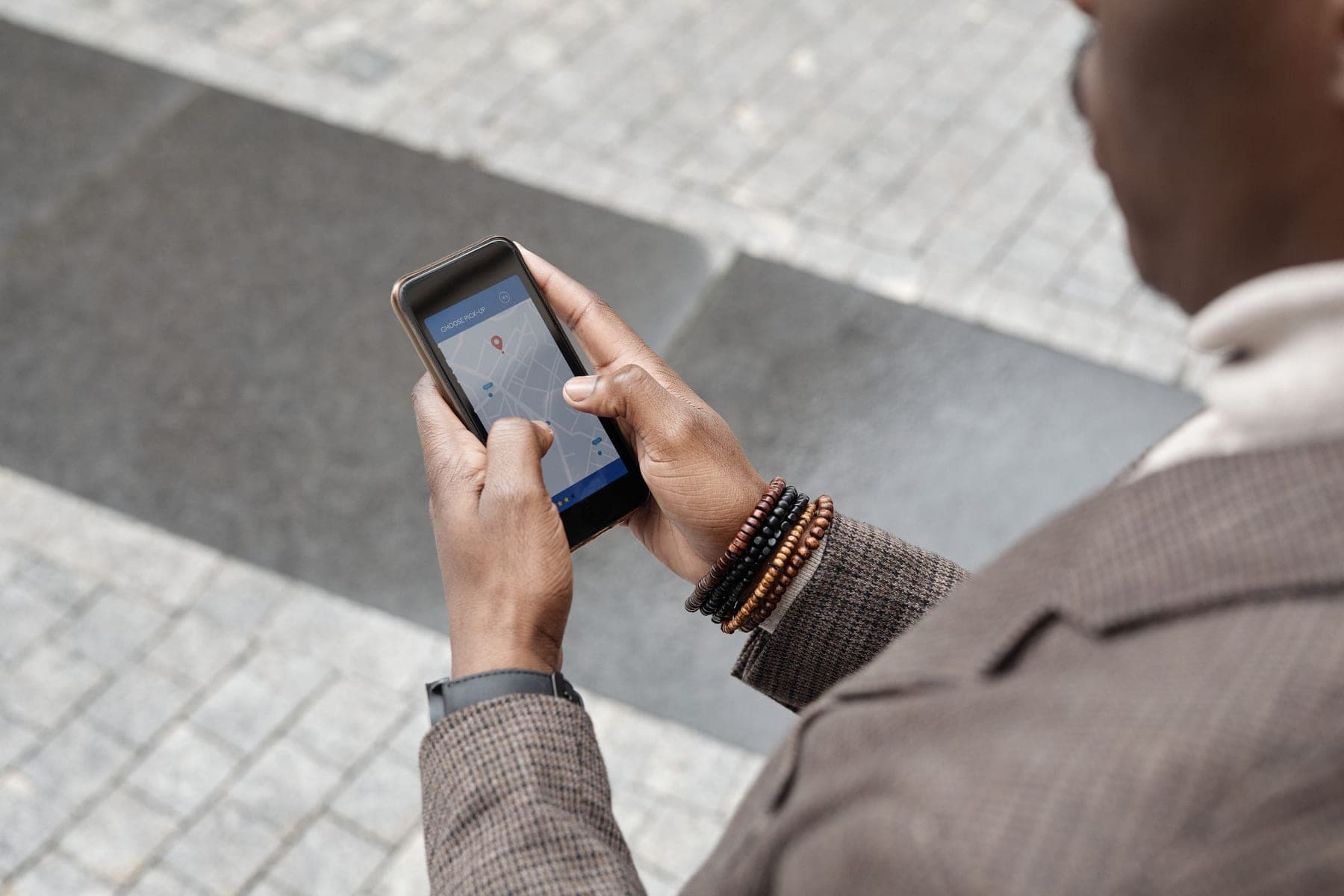
When a player picks an hour in the app, it is held for 5 minutes while they finish. Anyone else viewing the same pitch sees the hour as busy and cannot select it. If the customer does not finish within 5 minutes, the hour goes back to the grid.
This avoids two people filling in details for the same hour only for one to be refused at the last step.
Layer two: rejected inside the database
The final layer sits in the database itself. It refuses to store two overlapping bookings on the same pitch, whether they come from the app, the counter or a monthly pass. Two people tapping in the same millisecond means only one gets the pitch.
That is the difference: a double booking would require the database to be wrong, not the software. The owner does not have to rely on staff remembering to check, or on network speed at peak time.
Combined pitches lock together
Football venues often have a 7-a-side pitch made of two 5-a-side pitches. If their schedules are kept separately, it is easy to rent the 7-a-side while one of the 5-a-side pitches still shows as free.
In Sol26 SportTech, booking the 7-a-side locks the two 5-a-side pitches inside it. The rule is set once when the grid is built and applies to every booking after that.
Every booking goes through one grid
Phone and walk-in customers are still entered by staff straight into the booking grid. Monthly passes are generated into the same grid, with clash warnings at signing. Because every source shares one grid and one check, the open hours in the app are the open hours at the counter.
The grid reloads every minute, so the counter screen and the owner's phone stay close to the latest state. When two people act at once, the database still has the final say.
Frequently asked questions
- What if two people book the same hour at the same moment?
- Only one booking is written. The database rejects the second because it overlaps on the same pitch, even if the two taps are less than a millisecond apart.
- How long is a chosen hour held?
- The chosen hour is held for 5 minutes while the customer finishes booking. Nobody else can select it during that time.
- How are 7-a-side pitches made of two 5-a-side pitches handled?
- When the 7-a-side pitch is booked, the two 5-a-side pitches inside it lock too, and the 7-a-side cannot be booked while either 5-a-side is taken.
- Are phone and walk-in bookings protected as well?
- Yes. Staff enter them into the same booking grid as app bookings, so every booking passes the same check.
Sol26 SportTech
Sports venue management software and booking app