Retail
Connecting gold purity testers and scales to gold shop software, no drivers
Published
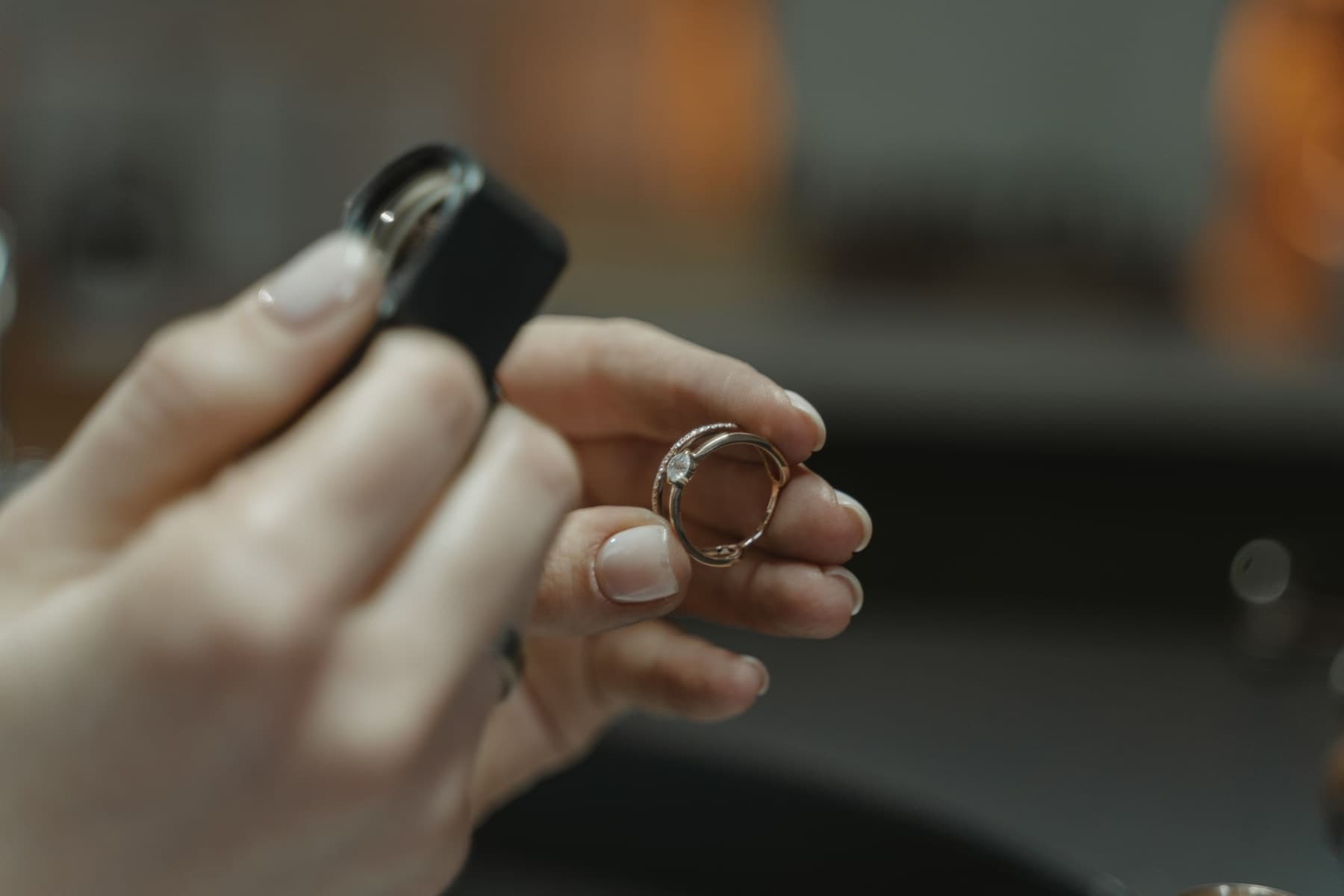
A hand-typed purity figure is the easiest thing to get wrong, or to alter, on a gold purchase ticket. This post shows how Sol26 Gold connects purity testers and scales straight to the ticket.
On a gold purchase or exchange ticket, two numbers decide the amount: weight and purity. In many shops both are still read off a device and typed into a notebook or software. Every retype is a chance for error, and a place where staff could change the figure.
Sol26 Gold reads both numbers straight from the device into the ticket.
Purity testers write straight into the ticket
A density scale or XRF analyser sends the gold percentage over a COM port. The software reads it and fills the buy, exchange and scrap tickets. The ticket has Tester and Water scale buttons to pull the matching result.
Because staff never retype it, the purity on the ticket is the purity the device measured. The owner does not have to worry about 58.3% becoming 85.3%, or a figure changed after the customer has left.
Direct connection from tester to ticket is rare in gold shop software. Most shops still enter test results by hand.
Electronic scales: a From scale button on every weight field
Electronic scales connect over COM or USB. Every screen with a weight field has a From scale button that takes the number currently on the scale. The software converts grams to chi automatically, so staff do not calculate by hand.
No middleware to install
Sol26 Gold runs in the browser and talks to devices directly:
- Scales and purity testers through Web Serial
- Receipt printers through WebUSB, printed as images for full Vietnamese diacritics, with the cash drawer opened through the printer's drawer port
- Barcode, QR and RFID readers in keyboard mode, with no setup
- Label printers through the vendor driver and the print dialog
The shop does not install driver packages or middleware for scales, testers and receipt printers. When the counter computer is replaced, open the browser and plug the devices back in.
The Devices page and Test read
Each device is configured on the Devices page and saved separately for each counter computer. The Test read button checks every device before real use: put an item on the scale, press test read and see whether the number matches the scale display.
Scales, testers and USB printers need desktop Chrome or Edge.
Frequently asked questions
- Which purity testers can the software read?
- Density scales and XRF analysers with a COM port that sends out the gold percentage. Every device has a Test read button on the Devices page to check it before use.
- Do I need to install drivers or middleware?
- No. Scales and testers connect through Web Serial in the browser, receipt printers through WebUSB, and scanners and RFID readers run in keyboard mode.
- Which browser should I use?
- Scales, testers and USB printers work in desktop Chrome or Edge.
- Can staff change the purity after it is read from the tester?
- The reading goes straight into the ticket and staff do not retype it, so they cannot alter the purity.
Sol26 Gold
Gold shop and pawn shop management software